-
1
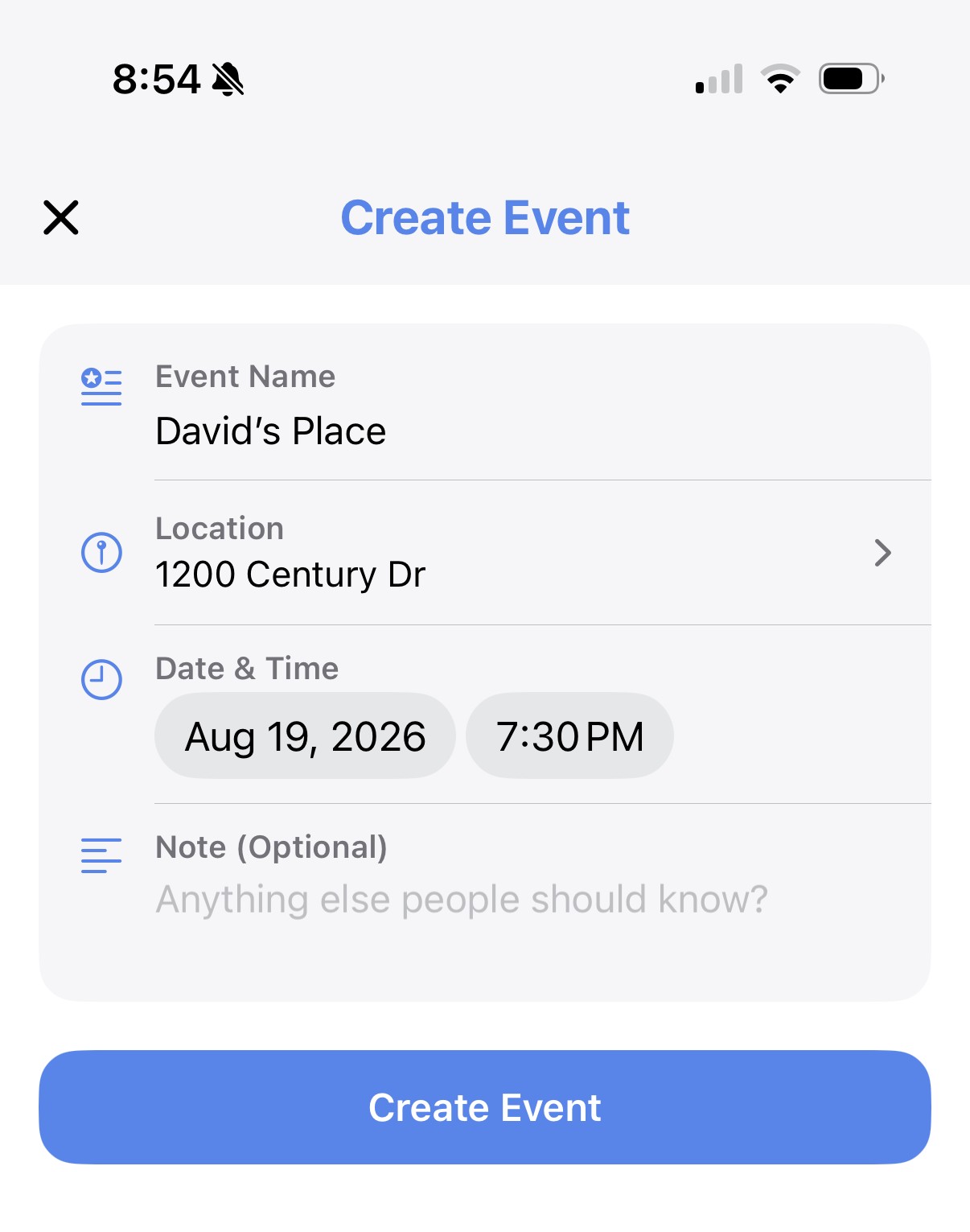
Create an event from a group
Set a location, date, and time — it's automatically tied to the group it came from.
-
2
RSVP, no guessing
Members mark themselves as going, so everyone can see the headcount ahead of time.
-
3
Merged groups get events too
A merge can host its own joint event, shared by every group in it and kept separate from each group's regular calendar.
-
4
Find it on the map
Every event shows up on the Find tab, so it's easy to see what's happening nearby.