-
1
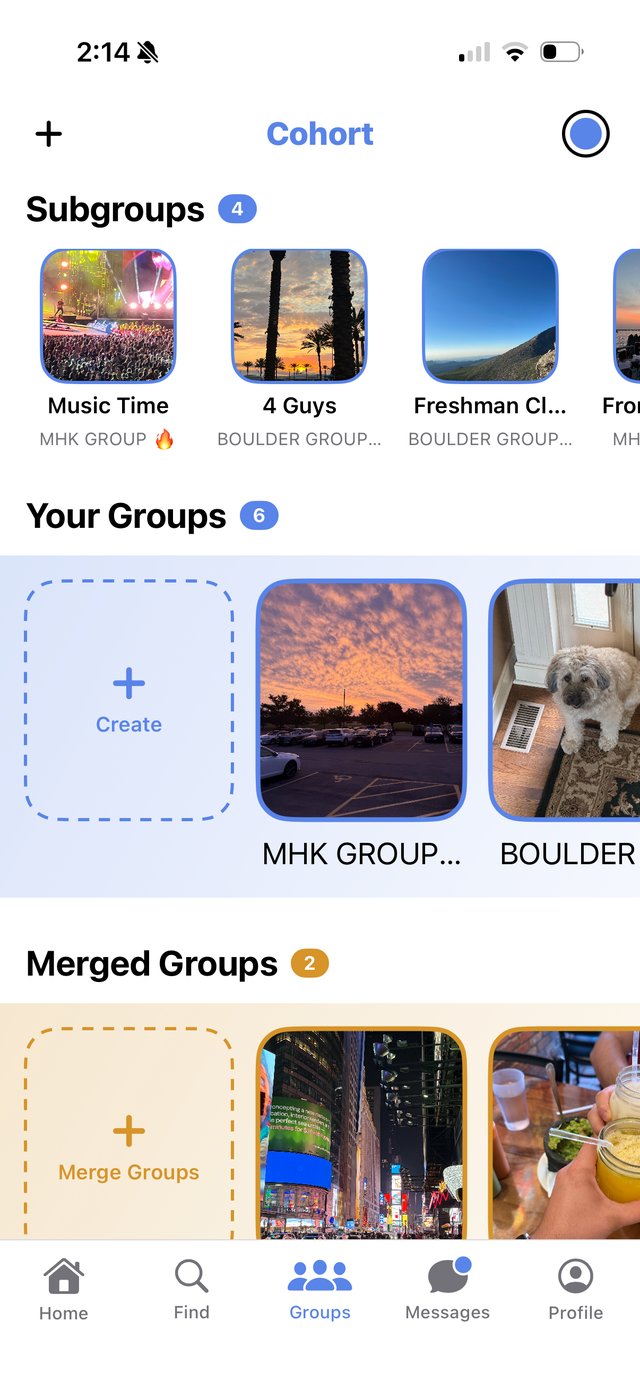
Create a group
Name it, add a photo, and set who can see it — open to your campus, or invite-only.
-
2
Invite the people you follow
Add members directly, or open the group up so people on your campus can request to join.
-
3
Organize with subgroups
Break a larger group into smaller subgroups — a chapter into pledge classes, a team into travel squads — that live right under the main group with their own chat.
-
4
Post, tag, and RSVP — all inside it
Posts, event invites, and merge requests all stay scoped to the group they belong to, with per-group notification controls.