-
1
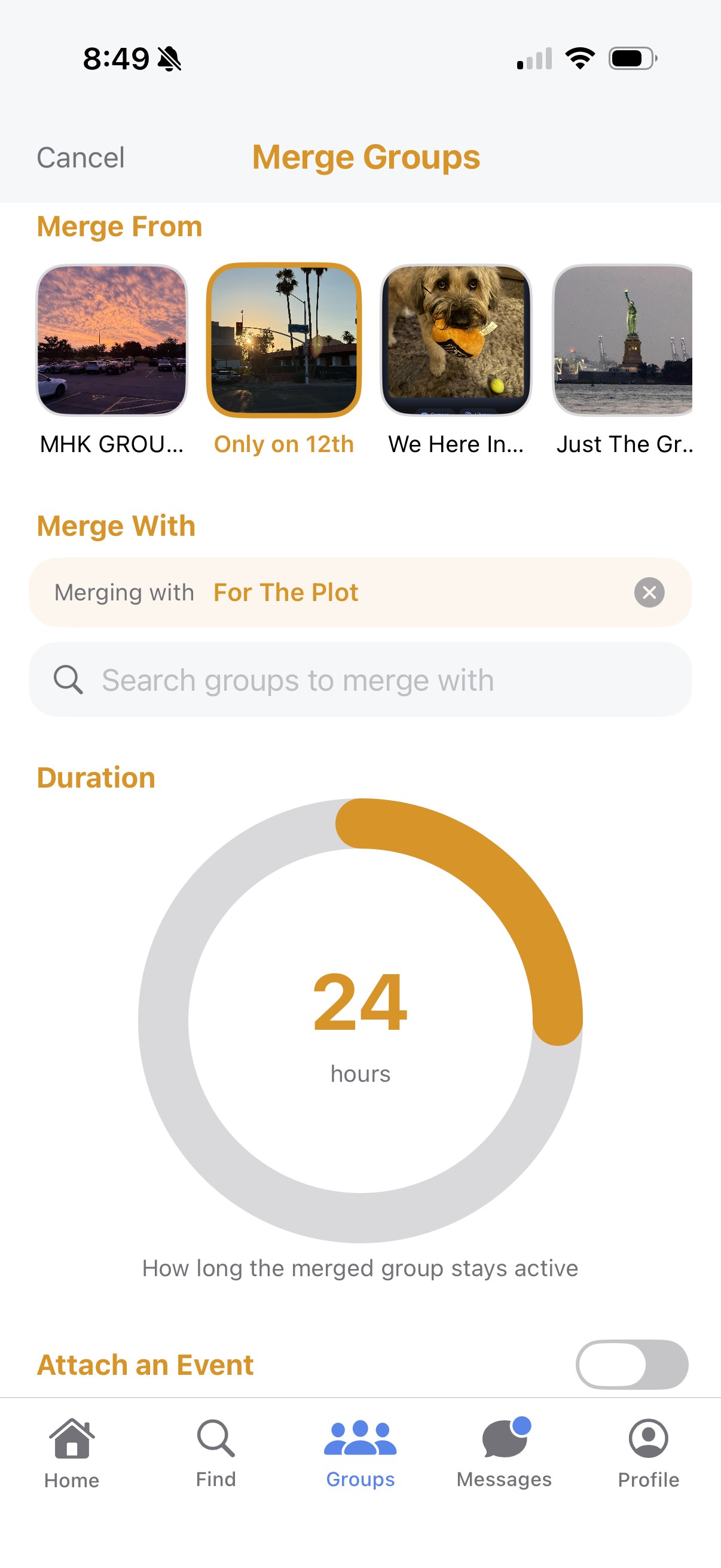
Propose a merge
Any group can send a merge request to another group, with a proposed length of time attached.
-
2
The other group accepts
Once accepted, both groups' members can see and take part in the merged space.
-
3
Add more groups anytime
An already-merged group can invite another group into the same merge later — same request-and-accept flow, and once accepted, everyone joins the same shared space together.
-
4
Shared chat and events
The merge gets its own group chat and can host its own events, shared by everyone involved and kept separate from each group's regular chat.
-
5
It expires on its own
When the merge window ends, every group in it splits back apart automatically — no cleanup required on anyone's part.