-
1
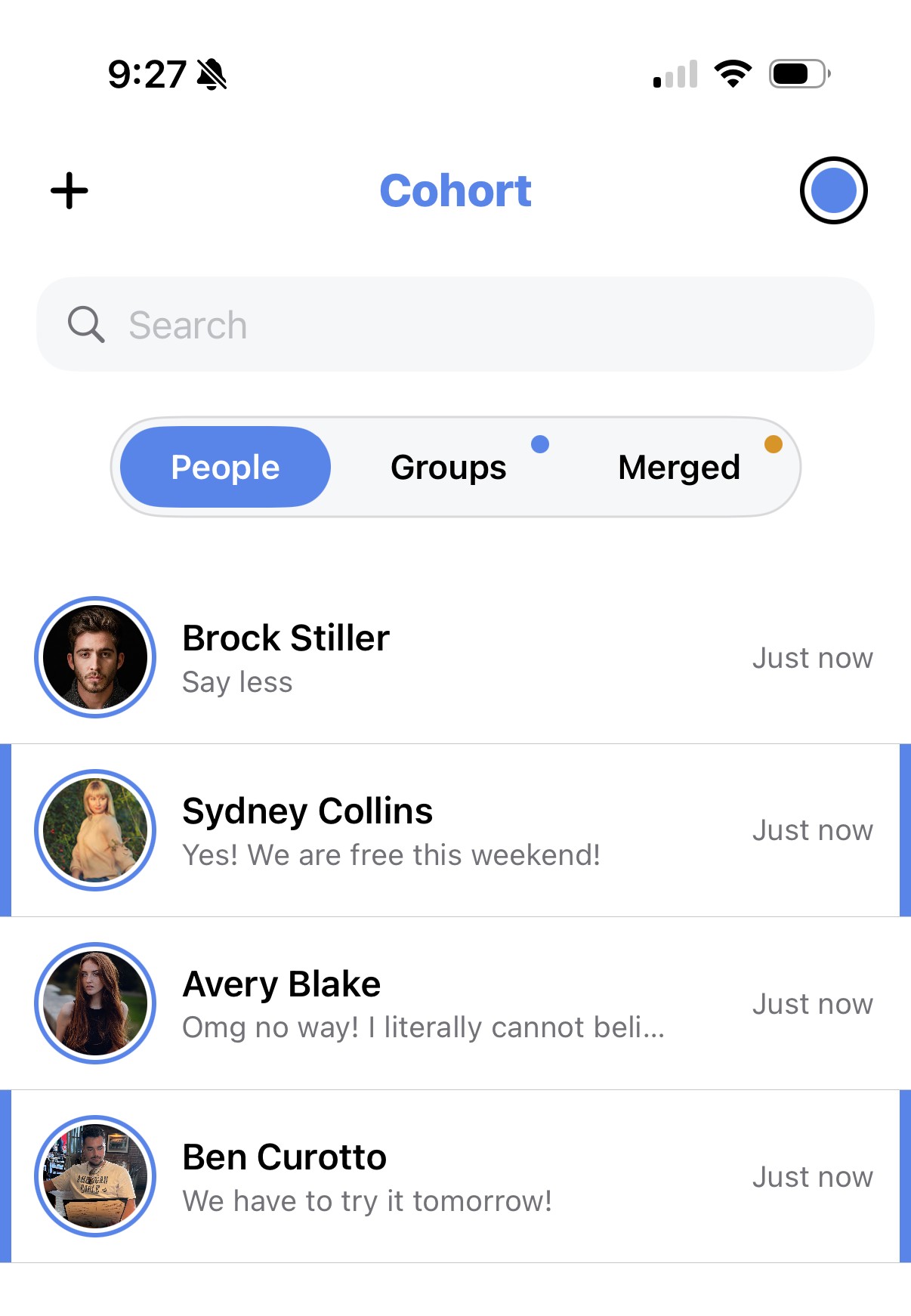
Direct messages
Message anyone you can see on Cohort, one on one.
-
2
Group chats
Every group you're in — and every subgroup — gets its own chat automatically.
-
3
Merged-group chats
When groups merge, they get a shared chat for the length of the merge, separate from each group's regular chat -- and any group added to the merge later joins that same chat.
-
4
Mute, pin, and organize
Swipe to mute a loud group chat or pin the ones you check most, so your inbox stays yours.